5/29/2025 · Portfolio Admin
How I Automated Downloading Google Drive Files from a Specific Website on Linux — With Error…
Synced from Medium RSS
How I Automated Downloading Google Drive Files from a Specific Website on Linux — With Error Handling & Duplicate Checks
Introduction
A step-by-step walk-through of building a Python script that scrapes Google Drive links from a specific website, downloads files efficiently, skips duplicates, and handles errors like a pro.
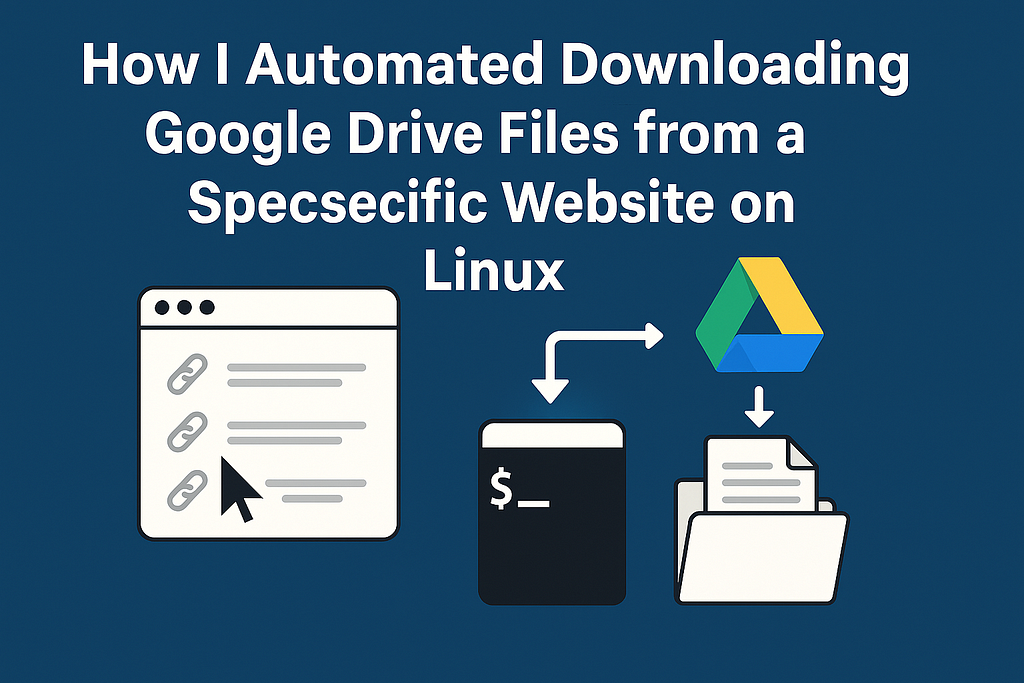
Introduction: The Real Problem I Wanted to Solve
Imagine you’re researching or managing a project, and a certain website hosts tons of Google Drive files scattered across many pages. Manually hunting down each link and downloading every file one by one? Nope — not efficient at all.
I faced exactly this challenge working on Linux, needing a reliable script that would:
- Visit each URL on that particular website,
- Find all the Google Drive links embedded there,
- Download those files into one neat folder,
- Skip files already downloaded,
- And handle broken or problematic links without crashing.
This blog is about how I built that script — tailored specifically to this website’s structure — and the improvements I added to make it robust and practical.
Why This Script Is Special — Not Just Another Downloader
There are tons of web scrapers and Google Drive downloaders out there, but most are either too generic or don’t handle the quirks of Google Drive links well. Plus, when working with many links over time, re-downloading files wastes bandwidth and time.
So I designed the script with these key goals:
- Specific to the website’s HTML structure — optimized scraping for that site’s layout.
- Google Drive-aware download using gdown — handles Drive’s confirmation tokens.
- Smart duplicate detection — skips files already downloaded by tracking links.
- Error-tolerant — logs failed downloads and moves on without breaking.
- Clean folder & file organization — makes maintenance simple
What the Script Does — At a Glance
Here’s the workflow:
- Reads URLs of web pages to scrape from links.txt.
- For each page, scrapes Google Drive links using BeautifulSoup.
- Checks if each Drive link has already been downloaded by consulting drive_links_downloaded.txt.
- Downloads new files into the website_docs/ folder using gdown.
- On failure, logs the problematic link in failed_links.txt and skips ahead.
- Logs every successful download to avoid repeats in the future.
Core Code Improvements I Made: Error Handling & Duplicate Skips
One tricky part was Google Drive’s anti-bot confirmation pages, which can cause gdown to fail. I wrapped downloads in a try-except block so if a link can’t be fetched, the script simply logs and skips it instead of crashing.
Also, before downloading, the script cross-checks the link against drive_links_downloaded.txt. This saves tons of redundant downloads, especially if you rerun the script later with more URLs.
Here’s the snippet that does that:
# Load downloaded links for duplication check
downloaded_links = set()
if os.path.exists(downloaded_log_file):
    with open(downloaded_log_file, 'r') as f:
        downloaded_links = set(line.strip() for line in f if line.strip())

for drive_link in drive_links:
    if drive_link in downloaded_links:
        print(f"⏭️ Skipping already downloaded: {drive_link}")
        continue

    try:
        gdown.download(drive_link, output="website_docs/", quiet=False, fuzzy=True)
        with open(downloaded_log_file, 'a') as log_file:
            log_file.write(drive_link + "\n")
        downloaded_links.add(drive_link)
    except Exception as e:
        print(f"⚠️ Download failed for {drive_link}: {e}")
        with open(failed_log_file, 'a') as fail_log:
            fail_log.write(drive_link + "\n")
        continue
Why This Approach Saved Me Hours
- I no longer waste time manually hunting files.
- The script picks up where it left off on every run.
- Errors don’t derail the entire process — I just review failed_links.txt later.
- The folder stays neat and contains only what I actually need.
- Since it’s Linux-friendly and lightweight, I can run it on a server or low-resource machine easily.
What’s Next? How You Can Customize This
If you want to adapt this for your own use case or other websites, here’s what you might consider:
- Modify the scraping logic to fit your target website’s HTML.
- Extend support for other cloud platforms (Dropbox, OneDrive).
- Add email or Slack notifications for failed downloads.
- Integrate with a scheduler (cron) for regular automated runs.
- Build a lightweight GUI for non-technical users.
Final Thoughts
This project started as a simple time-saver and grew into a robust utility tailored for my exact needs. If you frequently deal with downloading scattered Google Drive files from any website, a custom scraper like this can seriously streamline your workflow.
If this blog sparked ideas or you want to build your own tailored automation scripts, reach out! I’m happy to help you brainstorm or code your next time-saving tool. Hit that clap button if you found this helpful, and follow me for more practical dev tips and projects.
Feel free to grab the code, adapt it, and share improvements — automation is the future, and every little hack counts.